
Table of Contents
Getting Started
WlasnaSprawa helps turn early business thinking into structured, reviewable plans. Use it to capture ideas, describe startup concepts, attach financial business plans, compare scenarios, collaborate with teams, and review analytics from the same source data.
The platform separates the concept from the financial model:
- Ideas, startups, and posts describe what the business is, who it is for, and how it should be shared.
- Business plans turn those concepts into assumptions, calculations, cash-flow views, exports, and analytics.
- Teams and sharing controls let users decide who can work with each idea or plan.
In This Chapter
Registration / Sign in
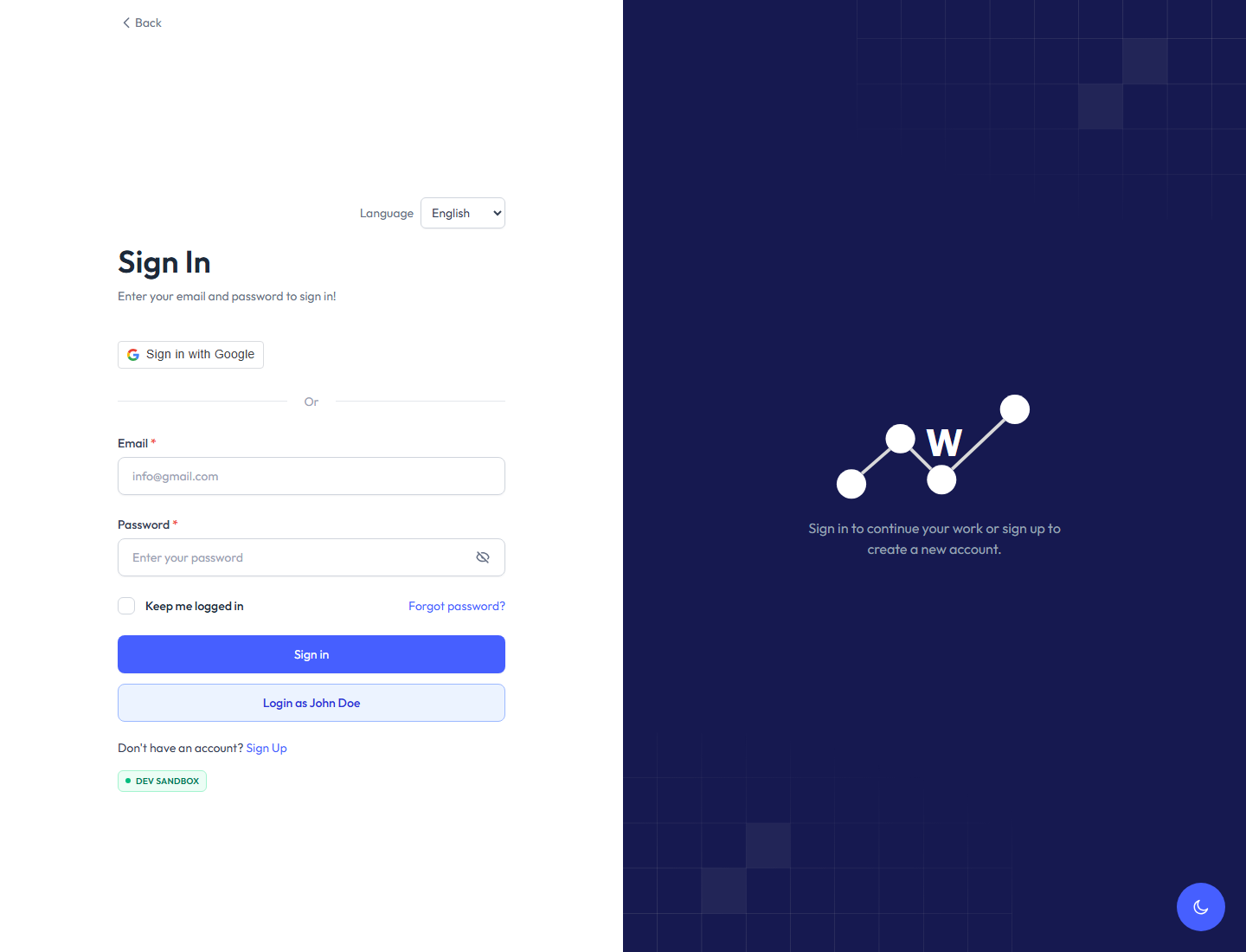
Open the app and register a new account or sign in with an existing one. The public auth routes are:
| Action | Route | Purpose |
|---|---|---|
| Sign in | /signin | Access an existing workspace account. |
| Sign up | /signup | Create a new account. |
| Reset password | /reset-password | Request or complete password recovery. |
In non-production environments, the sign-in screen can expose a test-user shortcut such as Login as John Doe.
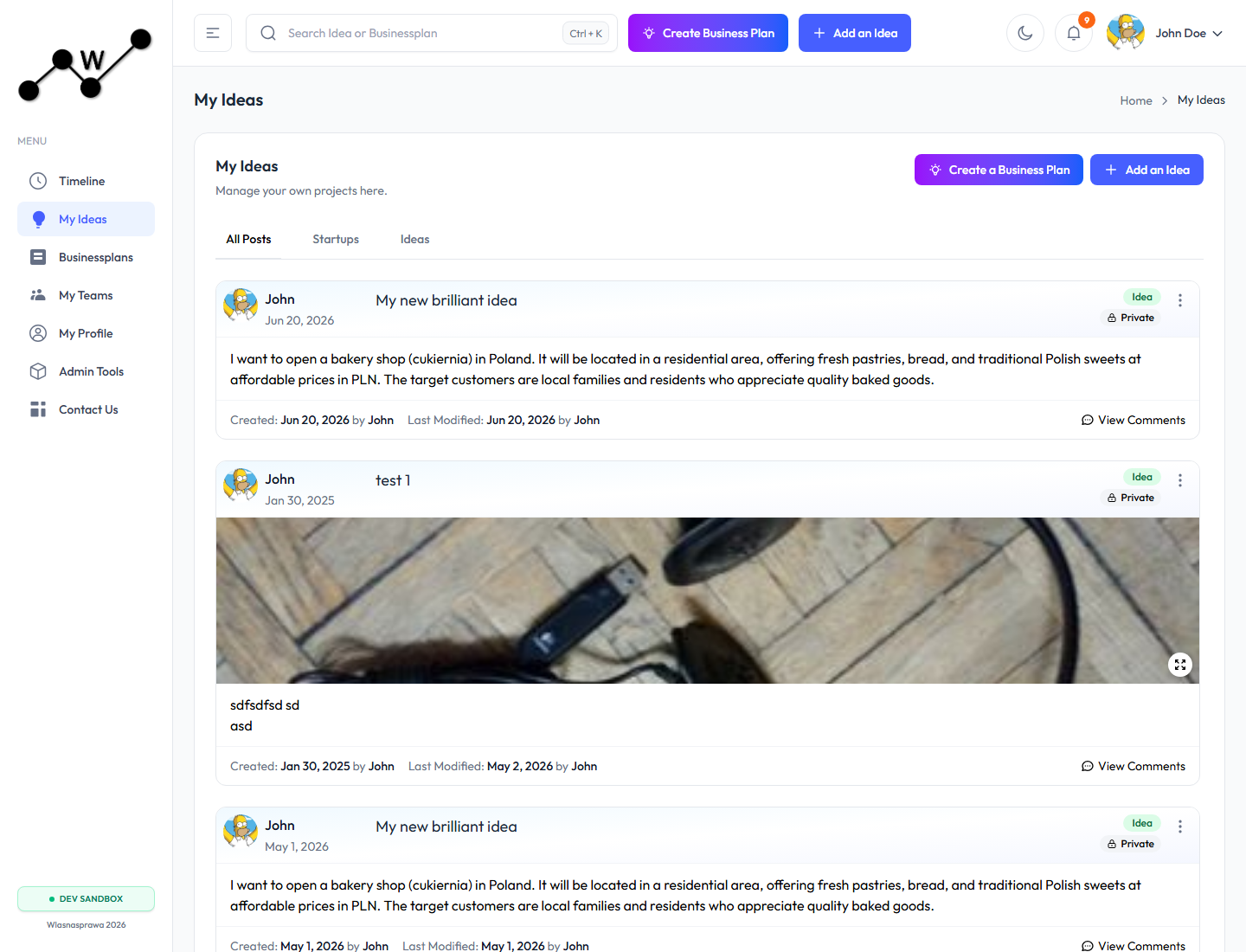
After sign-in, the app opens inside the main workspace layout:
- A left sidebar for primary navigation.
- A top header with global search, create actions, notifications, and the account menu.
- A main content area for public posts, personal ideas, business plans, teams, profile, and support/contact workflows.
- An environment badge, for example
DEV SANDBOX, when the current runtime environment exposes it.
Creating Your First Idea
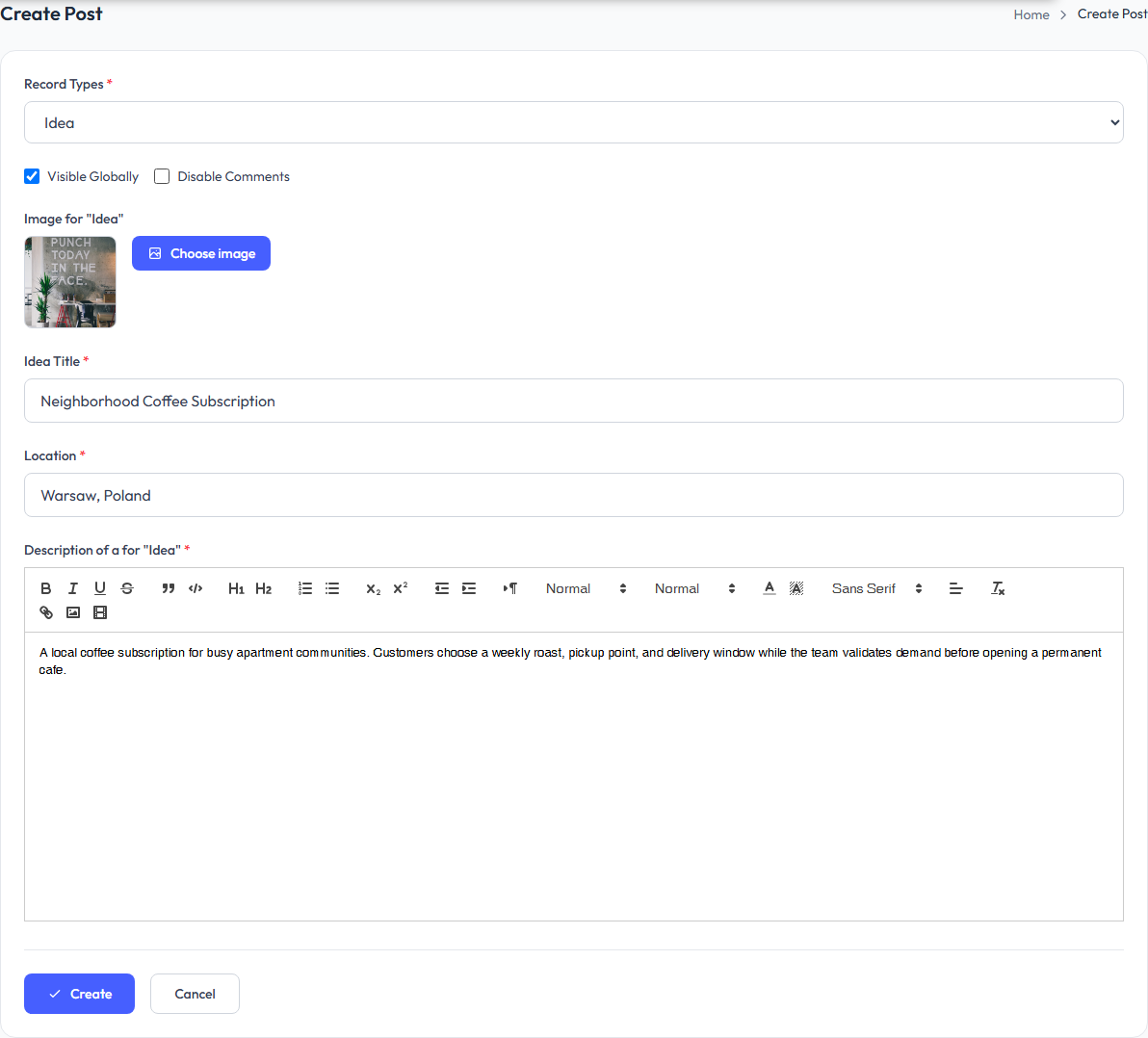
Ideas are the best starting point when the concept is still being shaped. They can hold the title, description, cover image, location, visibility settings, comments setting, and optional industry/category context.
To create an idea:
- Open
My Ideasfrom the sidebar or clickAdd Ideain the header. - Choose the record type, such as idea, startup, or dream.
- Add the title, location, image, and description.
- Decide whether the idea should be visible globally and whether comments should be enabled.
- Save the record.
Example populated idea form:
After saving, the idea has its own detail page and can be used as the parent for one or more business plans.
Creating Your First Businessplan
A business plan can be created from the header create action, from the My Ideas page, from an existing idea detail page, or directly through /create-businessplan.
For a first plan, the recommended flow is:
- Create or choose the parent idea.
- Start
Create Business Plan. - Link the plan to the parent idea when the plan should belong to that concept.
- Add the plan title, location, industry, category, description, visibility, and image.
- Save the plan to open the calculator.
- Work through the calculator sections and use
Applyinside sections to recalculate downstream results. - Save the business plan when the assumptions are ready to keep.
The business plan editor stores source assumptions separately from calculated outputs. This keeps the plan editable while still supporting analytics, downloads, and report-style review.
Five-Step Planning Loop
A practical first business plan usually moves through five passes. The goal is not to fill every field at once, but to build a simple customer-to-sales model, check the financial result, then adjust assumptions until the plan is realistic.
- Customer to Sales: set the main planning parameters first, including start date, period, currency, and unit of measurement. Then define the portfolio of products or services with at least name, price, cost, and customer or buyer assumptions. Add the target audience, expected visitors/buyers, conversion, and acceleration curve so the calculator can estimate sales volume.
- P&L Review: check whether projected volume and net sales are close to expectations. If they are not, return to customer, portfolio, pricing, seasonality, or acceleration assumptions before adding more detail.
- Adjusting the Plan: add personnel, payroll, investments, capitalization, operating expenses, and marketing. Review EBIT / Operating Profit and Investments Required. Iterate until the result is credible, then save the plan.
- Exporting Data: use flat data exports when the calculated plan needs to be reviewed in Excel, Power BI, another BI tool, or an integration workflow. The export turns calculator assumptions and calculated outputs into structured analytical data.
- Reporting: use Business Plan Analytics for a human-readable report with KPIs, charts, tables, cashflow, capital requirements, and report export/print options.
For field-by-field calculator details, see 05. Detailed Business Plan Calculator Walkthrough. For reporting, see 06. Business Plan Analytics.
Main Navigation
The primary routes are:
| Area | Route | Purpose |
|---|---|---|
| Timeline / Public Posts | /public-posts | Browse public posts and shared ideas. |
| My Ideas | /my-posts | Manage your own ideas, startups, and posts. |
| Business Plans | /my-businessplans | Review and filter business plans. |
| My Teams | /my-teams | Manage teams and team members. |
| My Profile | /profile | Maintain account, subscription, contact, and profile details. |
| Contact Us | /contact-us | Send support or contact requests. |
Profile
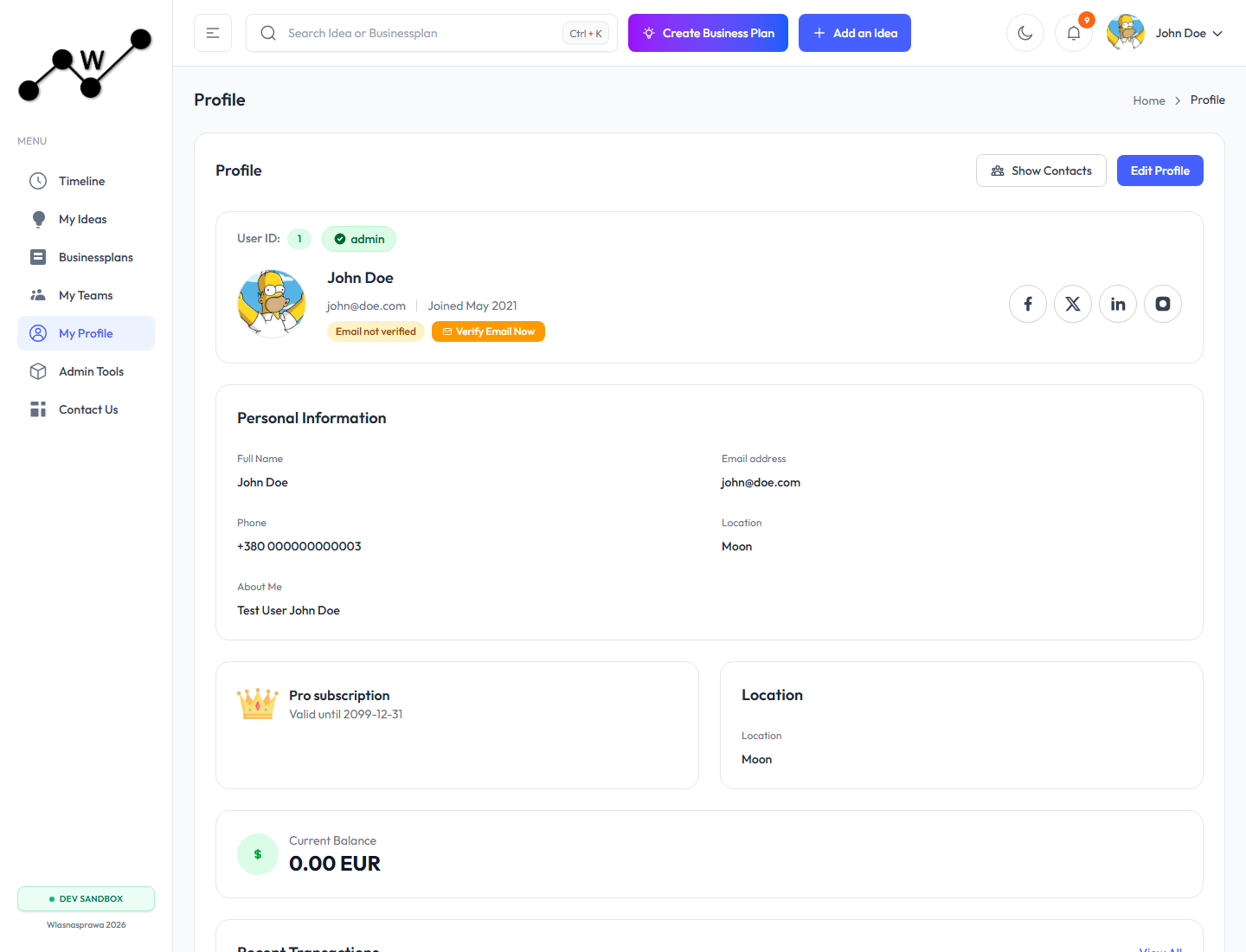
The Profile page shows the signed-in user, contact details, subscription information, balance, and recent transactions.
Use it to:
- Edit username, email, phone, location, and about text.
- Upload or remove a profile photo.
- Maintain social and phone contact data.
- Review subscription status and upgrade/renew when available.
- Verify email, show contacts, or deactivate the profile from the danger-zone flow.
Teams
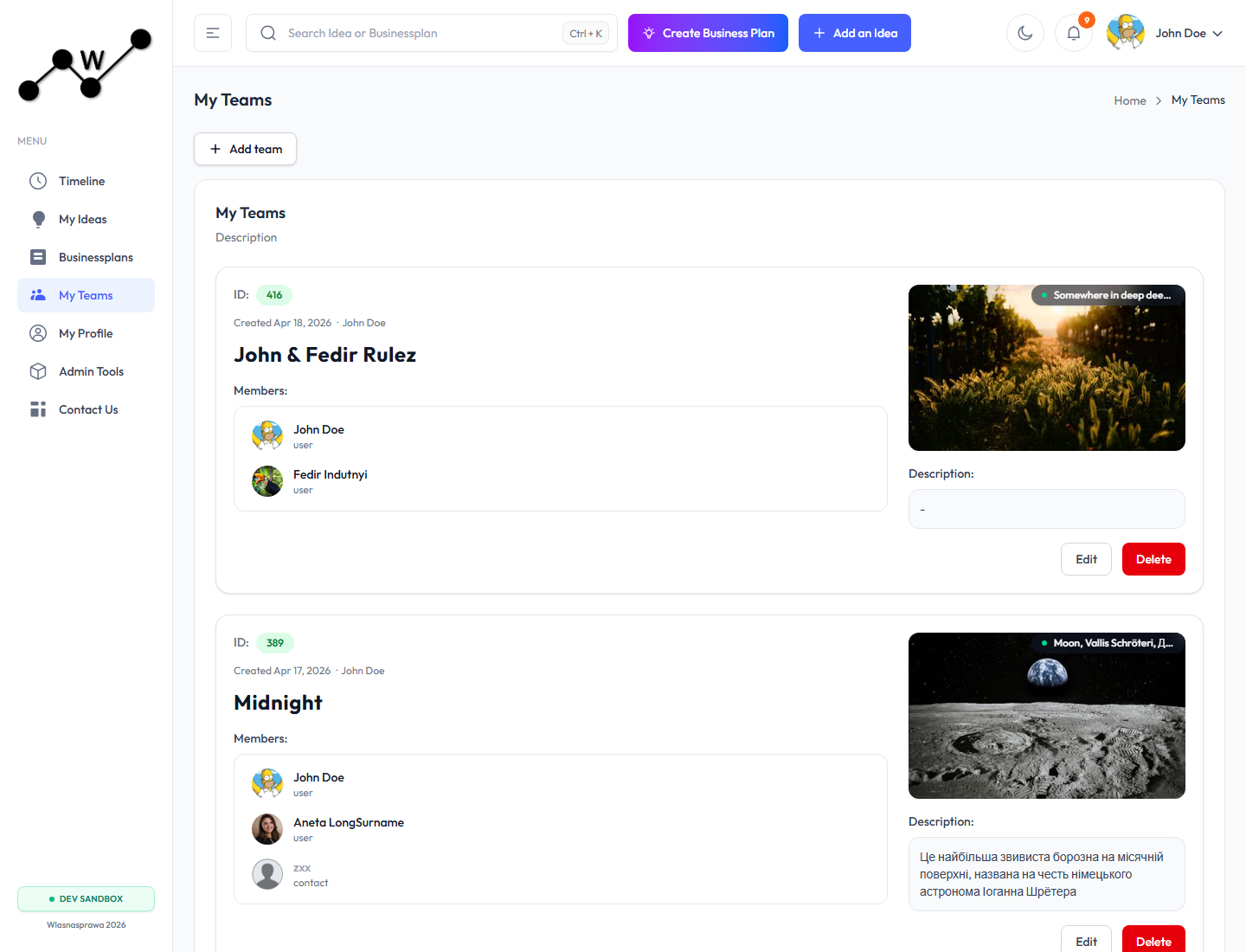
Teams let users group work, members, and shared context. The My Teams page lists teams available to the current user, including owner, location, image, member list, and description.
Use teams when a business plan should be associated with a group rather than only an individual owner.
Global Search
The header search box can find ideas and business plans by name. It is useful when there are many plans in the workspace. In the dev sandbox, searching for Alicante surfaced the Alicante travel-agency business plan examples.